In 2017, people in Vietnam started talking about Capture One software, so I downloaded it to try it out. At that time, the drag-and-drop tool wasn’t as refined as it is now. Partly because I was reluctant to spend a lot of time learning a new program, I didn’t pick it up again until early 2019. I found it quite useful, but I only used it for selecting files—I’ll explain why in the Review section below.
6 Reasons to Choose Capture One
It wasn’t until late 2019, when I attended a photography workshop in Shaanxi, China, that I truly realized the importance and practicality of C1 for my current work—and “especially” for fashion photography.
Since virtually every photography instructor now uses Capture One, you can imagine just how appealing and important it is. Capture One currently focuses on the fashion segment—it’s not meant to replace Camera Raw, by the way. In the future, Capture One will undoubtedly excel across all photography styles.
Below are my personal insights on the advantages of Capture One after using it for quite some time.
Mục Lục
6 REASONS I CHOSE CAPTURE ONE FOR COLOR GRADING
1. FAST LIVE VIEW SUPPORT:
In the past, when using Lightroom, didn’t you get so frustrated waiting for CR2 files to load after each shot that you almost wanted to smash your screen? Capture One has solved that problem—there’s no lag in the image transfer from the camera. And now, Capture One is being hailed by global forums as the fastest Live View software in the world.
Another benefit is that it’s very difficult to assess the full pixel detail of an image just by looking at the camera’s LCD screen; opening it in Capture One and viewing it on a computer or TV screen allows for better control over file quality.
Another great feature of Capture One is the ability to apply presets and predefined settings to all files in a shoot, helping to create a more polished final image that meets the client’s expectations. This is because when you apply presets, the files imported into Capture One are already color- and light-corrected according to your preferences.
I work in Photoshop, so I don’t use this feature much, but for photographers who use this to shoot for clients, it’s absolutely fantastic.
2. CUSTOMIZABLE, PERSONALIZED, AND VERY USER-FRIENDLY INTERFACE:
This is a feature I absolutely love about Capture One—you can easily reconfigure the workspace to suit your preferences or remove unnecessary tools. If you’re familiar with Lightroom, you can completely set up the Capture One interface to resemble LR by customizing it in the View menu.
Capture One also lets you optimize keyboard shortcuts; spending a little time fine-tuning them can save you a significant amount of time when working on projects with hundreds of files or more.
3. OPTIMAL COLOR QUALITY FOR FASHION PHOTOGRAPHY:
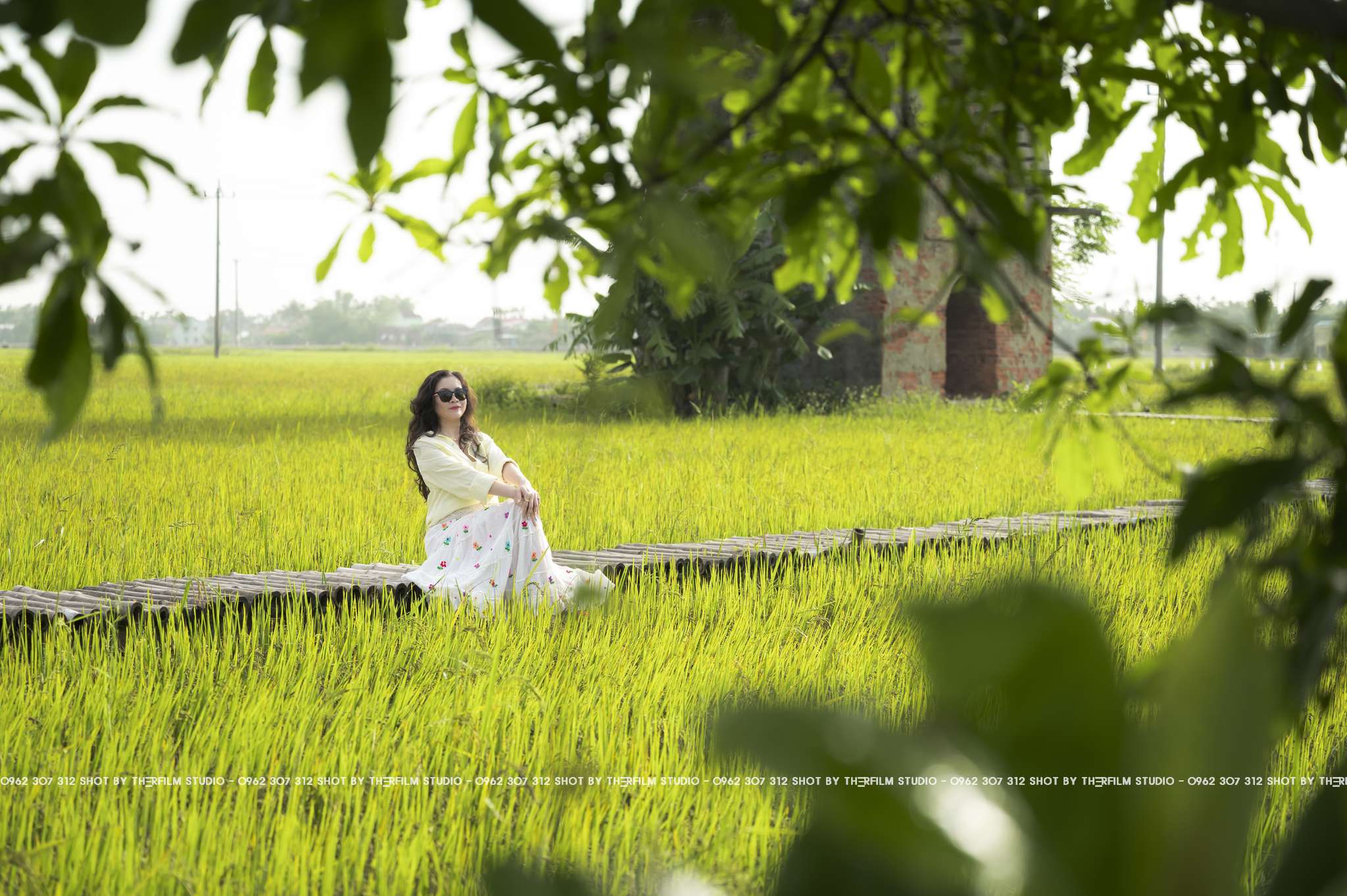
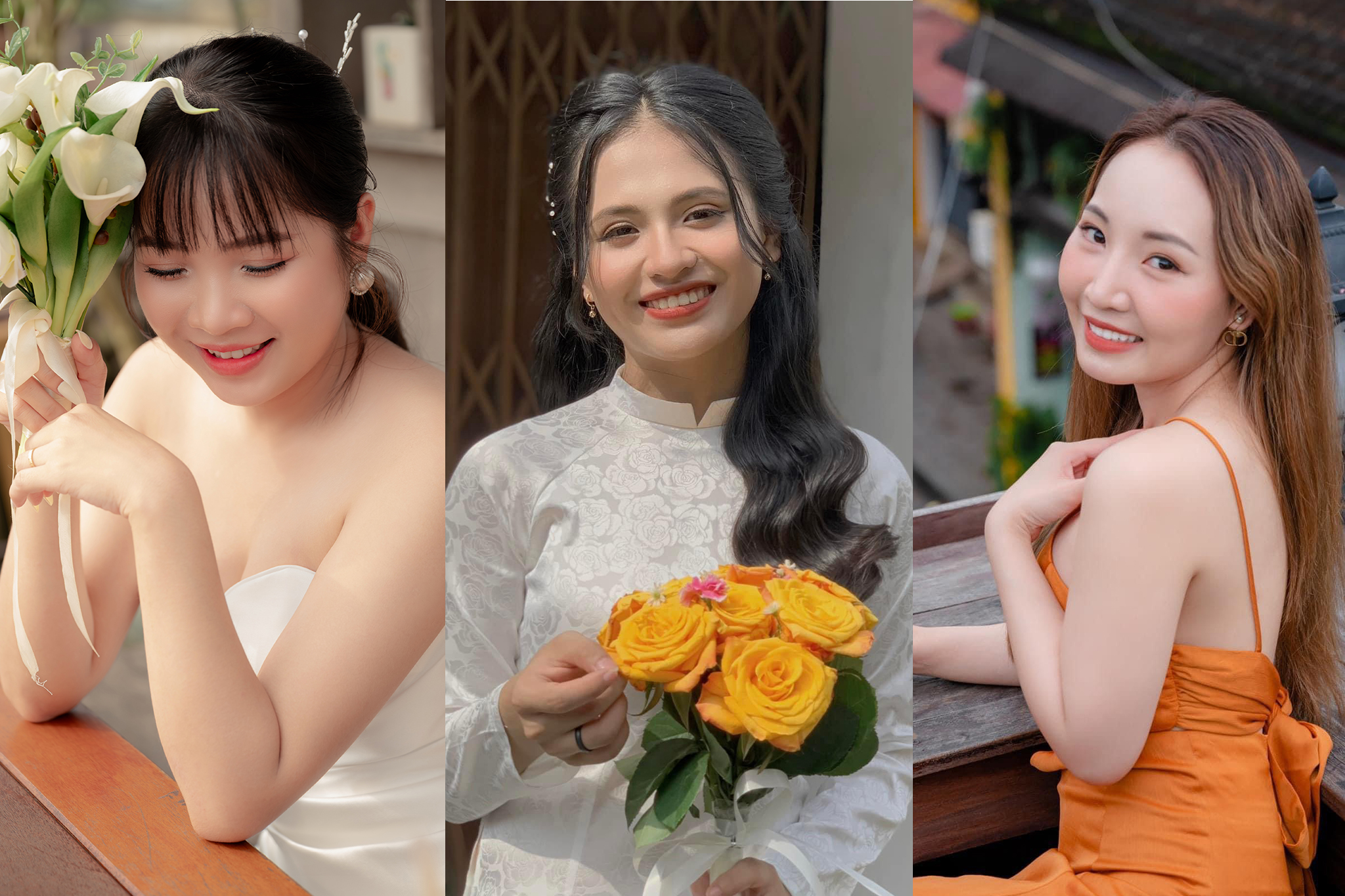
Files opened in Capture One tend to have a warmer, more golden tone, higher saturation, and sharper image quality compared to Lightroom. Especially in underexposed files, the pixels are tightly linked, resulting in a smoother image with significantly less noise and a softer appearance than in Lightroom.
=>> This is why Capture One (C1) is an excellent choice for professionals specializing in fashion photography
4. PROFESSIONAL FILE SELECTION AND SMART DISPLAY:
In Capture One, images can be easily categorized using color tags or ratings. This feature isn’t new compared to LR or BR, but when using the Loupe tool in Capture One to zoom in on image details, the experience is truly impressive. The display is beautiful, eye-catching, and intuitive—just like looking through a magnifying glass.
Anyone who’s used AE loves this feature, and if you compare the zoom in Capture One and Lightroom, the experience in Lightroom is rather lackluster. The zoom is choppy and laggy—it’s nowhere near as smooth as Capture One’s.
While some software automatically filters files using AI based on client ID codes—an area where Capture One falls short—for professional use on a PC, I haven’t found any software that compares to C1 yet.
The new “Before & After” feature in Capture One 2021 works in full-screen mode with a split-screen slider, allowing you to instantly compare your edited image with the original RAW file. It’s much faster and more convenient, guys.
5. EASY-TO-USE COLOR EDITING TOOLS THAT DELVE DEEP INTO DETAILS:
Capture One also includes Advanced & Skintone—this is my favorite feature in Capture One and the biggest reason I switched from Lightroom
– The color wheel is incredibly convenient, allowing for deeper adjustments to each light and dark area of the color channels within the HSL color space—something LR can’t do—and it automatically selects colors (with a mask so you can preview which areas will be affected before adjusting the color)
– The Skin Tone tool lets me make more precise adjustments to skin areas, helping to balance out uneven skin tones and make the skin’s color and saturation more consistent
=>> Excellent for optimizing fashion-style brown tones
6. USE LAYERS ON RAW IMAGES TO ADJUST COLORS ON EACH LAYER
Capture One features a Layer panel and Luma Range: These allow you to make adjustments on individual layers—similar to Photoshop—while Luma Range enables deeper adjustments to the luminance range.
The Magic Brush is a quick and easy-to-use selection tool that solves the problem of uneven color distribution—a task that used to take a lot of time to edit in Photoshop.
These are some of the advantages I really appreciate about this software that Lightroom doesn’t offer.
Through my experience using it, I’ve found that Capture One is becoming increasingly optimized in terms of accuracy, performance, and customization, as well as providing a professional user experience. I hope this article gives you the most objective perspective on this software.
For now, I’m still using both software programs simultaneously:
* Capture One: Ideal for fashion, edgy, or studio-style photography
* Camera Raw: Best for bright, Vietnamese, Korean, and outdoor styles.
Each software has its own strengths, and they will certainly continue to evolve to meet user trends. Most importantly, it’s your mindset and visual sensibility—these are the things you need to hone every day. With the right mindset and a clear understanding of what you need to create great images, you’ll easily be able to choose the software that best suits your needs.
As for Capture One, if you’ve tried it and have any favorite features or tools, please share your thoughts and join the discussion. This article references contributions from Ho Ngoc Nghia of the Canon R group.
For more details, please contact:
Address: Hoi An City – Nam & Son Tra Districts – Da Nang
 Therfilm Studio